Product4 min read
Why we built UpWatch
The questions we kept asking each other, the tools that almost worked, and the small set of rules we decided to build around.

Most apps start with a feature. UpWatch started with a sentence we were tired of typing: "Did you get there okay?"
We typed it to family members after long drives, to friends after late shifts, to colleagues after big deadlines. None of these were dramatic situations. They were ordinary moments that needed a quick answer, and we noticed how much effort it took to get one.
The question behind the questions
Look closely and almost every "quick check" message is the same question wearing a different outfit:
- Did the routine happen?
- If not, does someone need to do something?
That's it. Two possible answers, and a time when the answer matters. Yet the way we ask is clumsy. We interrupt people. We wait. We ask again. We read a reply three times trying to work out whether "yeah fine" means fine.
Meanwhile the people being asked aren't having a great time either. Nobody enjoys being chased for an update, and nobody enjoys feeling like the family's or the team's designated worrier.
What we tried first
Before building anything, we tried to solve it with what already existed.
Group chats came first, because everyone already has one. Updates arrived, but they drowned. By lunchtime the 08:00 "made it!" was forty messages up, wedged between photos and plans for the weekend.
Shared calendars were tidy but silent. A calendar can tell you that something should happen. It can't tell you that it did.
Location sharing answered "where" but not "how". It also felt like far more information than any of us wanted to give or receive. Knowing someone's dot is near the office isn't the same as knowing their day is going fine, and having that dot visible all the time is a lot to ask of anyone.
Reminders on our own phones helped the person sending the update, and did nothing for the people waiting for it.
Each tool solved a slice. None of them did the whole job, which is: ask at the right time, make answering effortless, and make the answer easy to read.
The rules we decided on
So we wrote down a short list of rules and built UpWatch around them. They still guide every decision.
Ask at the right moment. An alarm has days and times. When a check time comes, UpWatch reminds the senders. The app does the asking so a person doesn't have to.
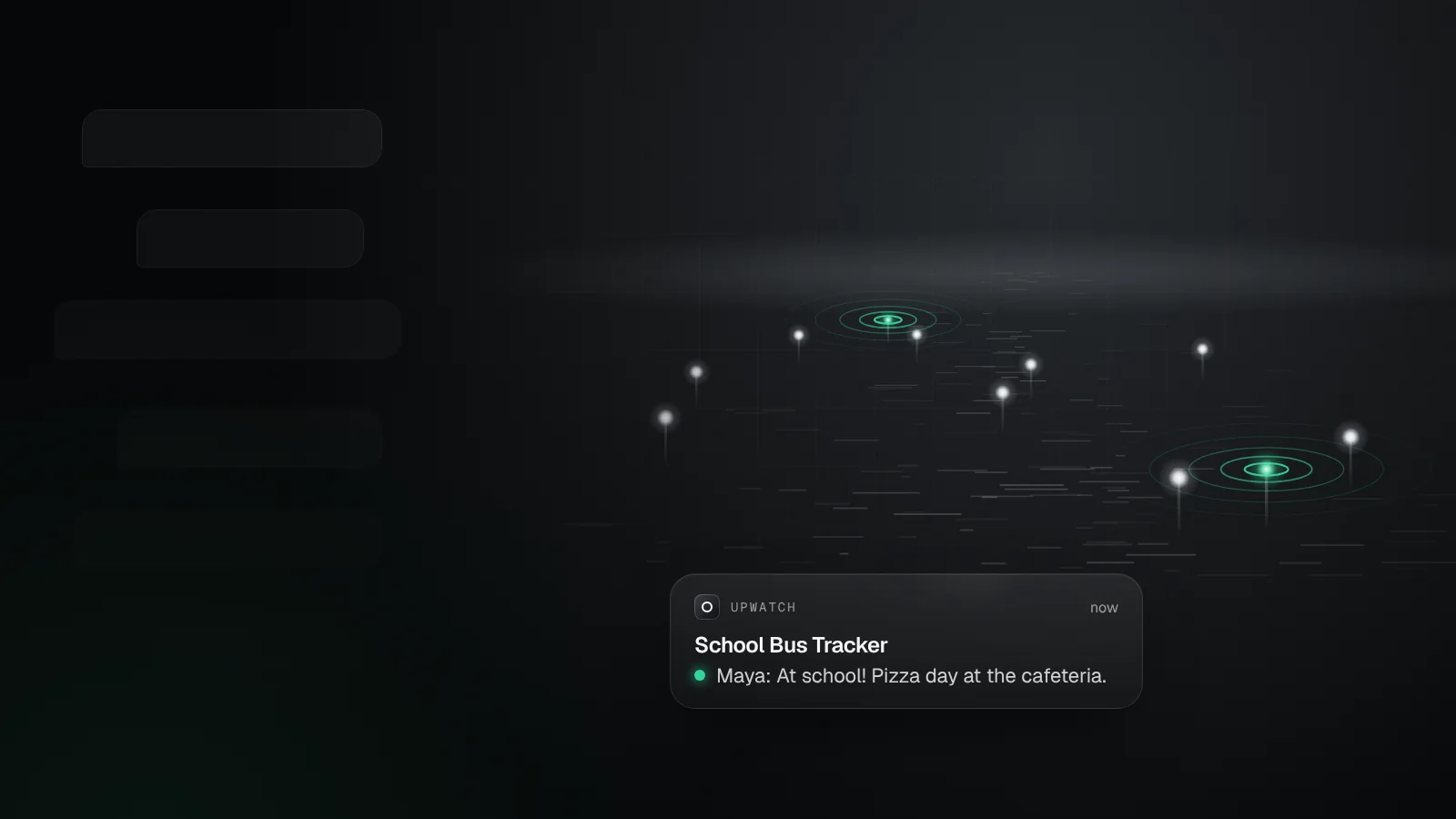
Make answering take one tap. If replying takes effort, people postpone it. A sender can respond straight from the notification.
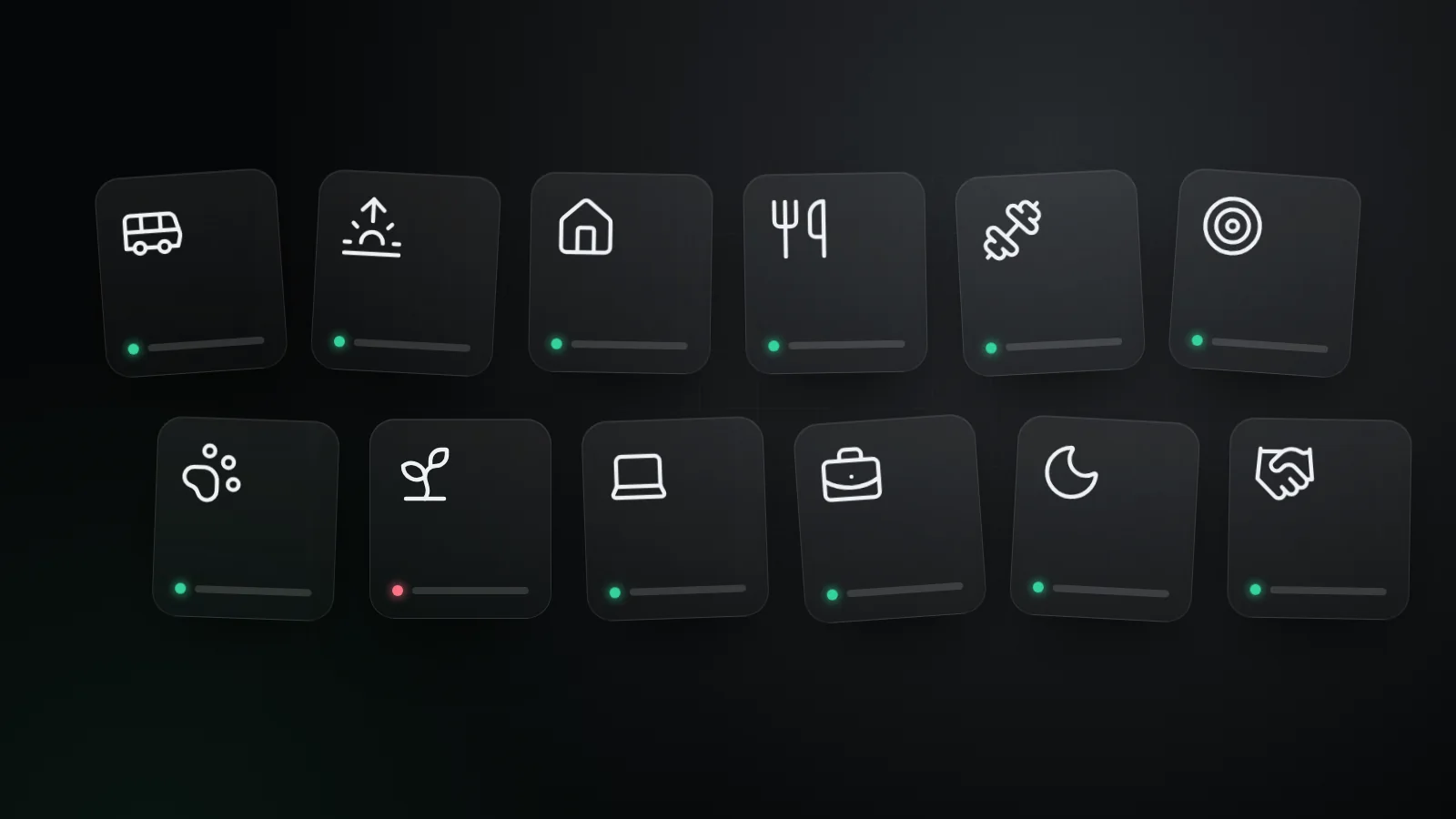
Use two colors, not twenty. Green means things are on track. Red means something needs attention. You can read a whole week without opening a single message.
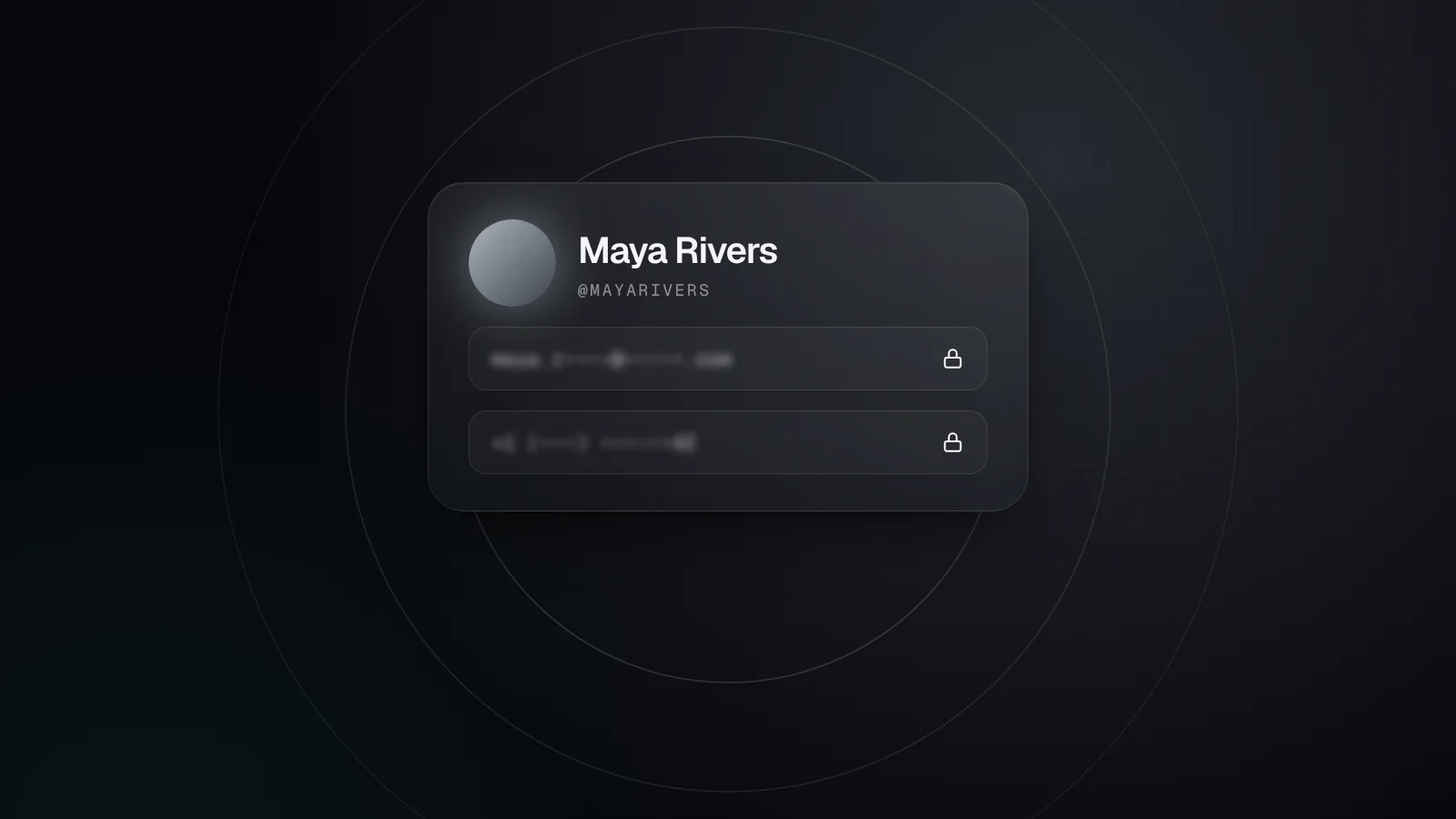
Share less, not more. Participants see each other's name and photo, never their email address or phone number. There are no direct messages. Location is something you attach to a single update when it helps, never something that runs in the background.
Keep it quiet. Updates are one-way. There are no read receipts and no expectation of a reply. A green update already means "all good".
Respect the person on the other end. UpWatch is for coordination between people who chose to be in the same alarm. It isn't a monitoring tool, and we don't want it to feel like one.
What we left out on purpose
Some of the most important decisions were about what not to build.
There's no chat. The moment an alarm turns into a conversation, it starts to look like every other group chat, and the status gets buried again.
There's no background tracking. We'd rather have a clear "arrived" than a moving dot.
There's no emergency button either, and that's deliberate. UpWatch is good at routines: the school run, the stand-up, the morning hello. Real emergencies deserve real emergency services, and we never want anyone to confuse the two.
Small on purpose
The result is a deliberately small app. You create an alarm, choose who sends and who receives, and get on with your day. The reminders arrive on time, the updates take a second, and the history reads like a timeline instead of a transcript.
On most days an alarm in UpWatch is boringly green, which is exactly the point.
If you have an idea, a complaint or a routine we haven't thought of, reach out through the help center. A person on our team reads every message.
Try it with your people
Create your first group alarm in under a minute. Free to start.