Ideas4 min read
12 group alarm ideas for families, friends and teams
Ready-to-copy setups for school runs, stand-ups, night shifts, gym streaks and more, each with a schedule, roles and example updates.
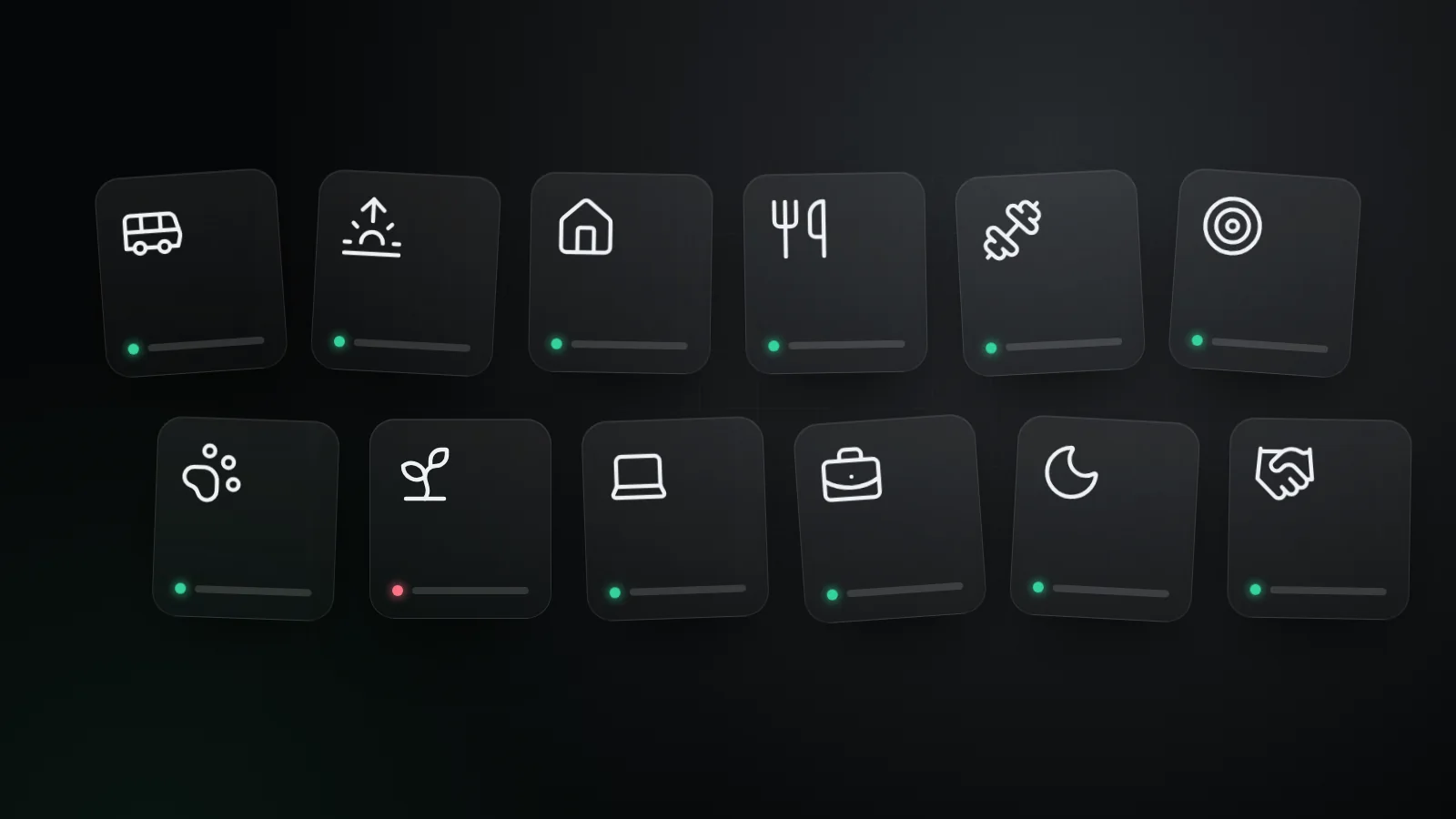
If something happens on a schedule and someone would like to know how it went, it can be an UpWatch alarm. That covers a surprising amount of life.
Below are twelve setups you can copy as they are. Each has a suggested schedule, who should be a sender and who a recipient, and a few example updates so you can picture how the day looks.
For families
1. The school run
- Schedule: weekdays at 07:30, 08:15 and 15:30
- Senders: the kids · Recipients: parents
- Example updates: "On the bus!" · "At school, pizza day." · "Missed the bus. Can someone drive me?"
The red is the reason this alarm exists: nobody has to wonder at 08:30 whether the bus was missed.
2. Grandma's morning hello
- Schedule: every day at 09:00 and 21:00
- Sender: Grandma · Recipients: the family
- Example updates: "Good morning! Making oatmeal." · "Watched my show, off to bed."
Two taps a day, and the family stays close without phoning five times. Keep the check times generous and the tone light. This is a hello, not an inspection.
3. Home from practice
- Schedule: Tuesdays and Thursdays at 19:45
- Sender: your teenager · Recipients: parents
- Example updates: "Home. Starving." · "Training ran late, need a pickup at 20:30."
4. Who's in for dinner
- Schedule: every day at 17:30
- Senders and recipients: everyone in the house
- Example updates: "In for dinner." · "Eating out tonight."
Not every alarm is about worry. Some just save the cook a round of texts.
For friends
5. Gym buddies
- Schedule: Monday to Saturday at 07:00
- Senders and recipients: both of you
- Example updates: "Leg day done. New PR on squats!" · "Rest day, stretching instead." · "Skipped. Back tomorrow."
The magic is that both people see both updates. When one skips, the other notices, and that's usually enough.
6. The 30-day challenge
- Schedule: every day at 21:00
- Senders and recipients: the whole group
- Example updates: "Day 14 complete. Resisted the office donuts." · "Day 14, two weeks in!"
Works for a no-sugar month, a daily walk, a reading streak or learning a language. Ten minutes before bed, everyone reports in.
7. Pet sitting
- Schedule: every day at 08:00 and 19:00 while you travel
- Sender: your friend · Recipient: you
- Example updates: "Morning walk done. Max made a friend at the park." · "Dinner served, now asleep on your sofa."
Set it up before you leave and switch it off when you're back.
8. Plant duty
- Schedule: Mondays and Thursdays at 18:00
- Sender: the neighbor with your key · Recipient: you
- Example updates: "Watered. The fern says hi." · "One pot is leaking, moved it to the bathtub."
For teams
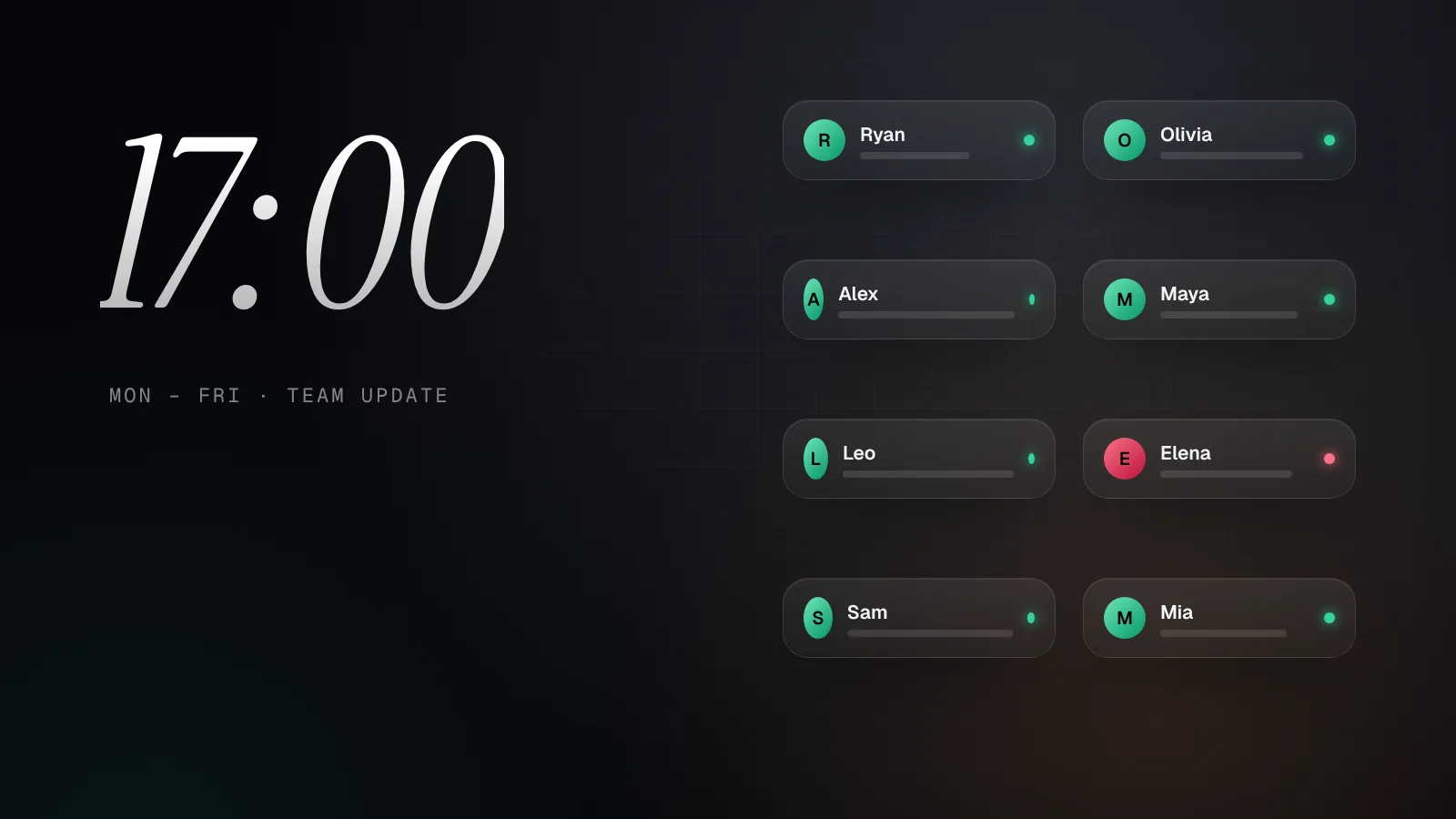
9. The async stand-up
- Schedule: Monday to Friday at 17:00
- Senders: the whole team · Recipients: team lead and team
- Example updates: "Report finished, sent for review." · "Blocked on API keys, need a hand."
A one-line update at the end of the day replaces most status meetings. We wrote a whole guide to this setup.
10. Field sales day
- Schedule: weekdays at 08:00, 12:00 and 17:00
- Senders: sales reps · Recipient: sales manager
- Example updates: "Starting at Acme Corp." · "Presentation went great." · "Day done, two meetings completed."
11. Shift handover
- Schedule: at each shift change, for example 06:00, 14:00 and 22:00
- Senders: shift leads · Recipients: operations manager
- Example updates: "Handover complete, all quiet." · "Line 2 is down, maintenance informed."
Because participants can't see each other's contact details, this works well across departments and with external partners.
12. Volunteer rota
- Schedule: event days at 09:00 and 13:00
- Senders: volunteers on duty · Recipients: the coordinator
- Example updates: "Stand is set up." · "We're one person short at the entrance."
Tips that make any alarm better
- Give it a name you recognize at a glance. "School run" is easier to spot than "Morning alarm".
- Start small. One alarm with two or three people is the fastest way to learn what works for your group.
- Agree on what red means. A short conversation up front keeps reds meaningful.
- Use Only alarms for busy alarms. Greens still land in the history, but only reds buzz your phone.
- Let it be boring. A week of green is the best possible outcome.
Got a routine we haven't thought of? We'd love to hear about it through the help center.
Try it with your people
Create your first group alarm in under a minute. Free to start.