Privacy3 min read
Private by design: what your group sees, and what it never will
A plain-language tour of UpWatch's privacy model, from hidden contact details to location that's only shared when you decide.
An app that helps people keep each other in the loop needs to be careful about what "in the loop" means. Sharing how your day is going is one thing. Sharing your phone number with a carpool of near-strangers, or your location with your whole team all day, is something else entirely.
UpWatch was designed around a simple idea: share the status, not the person. Here's what that means in practice.
What other participants can see
When you're in an alarm with other people, they can see:
- your name and profile photo
- the updates you send in that alarm: the color, your optional note, and a location only if you chose to attach one
- the time each update was sent
That's the complete list.
What they never see
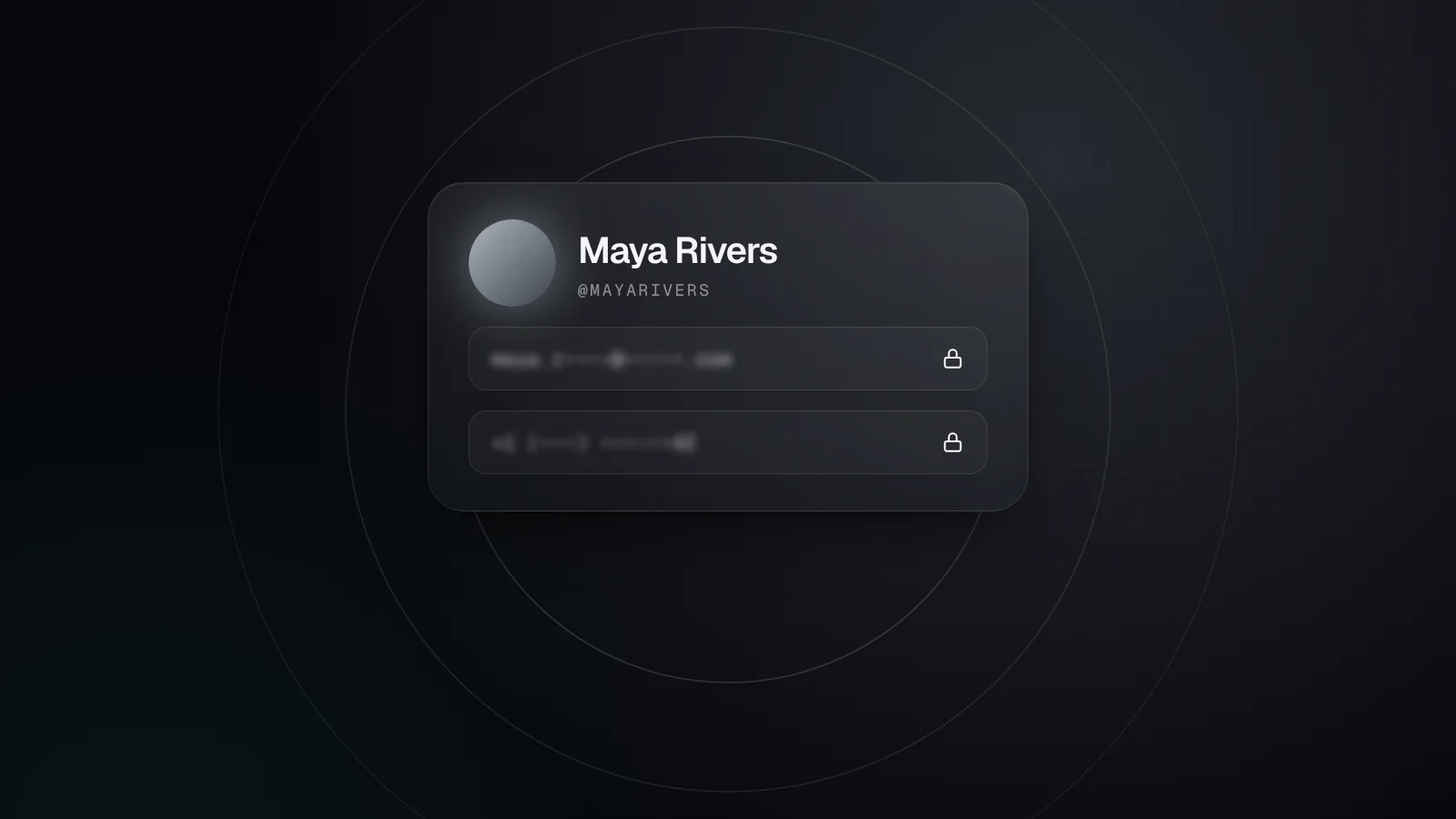
Other participants can't see your email address or your phone number. They also can't send you direct messages: there is no private chat between participants. Communication happens inside the alarm and nowhere else.
This sounds small, but it changes who you can comfortably coordinate with. A volunteer rota, a cross-department project, the parents in a carpool, a group of people doing a 30-day challenge together. None of these groups needs everyone's personal contact details, and with UpWatch they don't get them.
Who can add you
You can only be added to an alarm by someone in your network, and people only join your network when you accept their connection request. Connection requests are sent by email address or username, so nobody can add you just because they found your profile.
If you no longer want to be part of an alarm, you can leave it from the alarm's menu at any time.
Location only when you choose
Location in UpWatch is attached to a single update, and only when the sender switches it on for that update. There's no background tracking and no live location map. The app asks for location permission while you're using it, for exactly this purpose.
That's a deliberate trade-off. A moving dot on a map can tell you where someone is, but it can't tell you how things are going, and having it on all the time is a lot to ask of anyone. A clear "Arrived at the venue" with a location attached, at the moment it matters, is usually more useful and far more respectful.
How long updates are kept
Your plan decides how far back the notification history goes: 24 hours on Free, 7 days on Premium and 30 days on Pro. Shorter history on the free plan is not just a limit, it's also a reasonable default: most routines only matter for a day.
Deleting things
You stay in control of what you've shared:
- You can delete individual updates.
- You can delete your account from Settings → Account → Delete Account. Deletion is immediate and permanent, and removes your alarms, history and personal data.
- If the owner of an alarm deletes their account, that alarm and its data are deleted too, and participants are notified.
Security basics
Your data travels over encrypted connections, and your updates are only visible to the people in the alarms you're part of. In the app you can also turn on Face ID or Touch ID, so UpWatch asks for it every time it opens.
Why this matters at work
Teams can use UpWatch for daily updates and shift handovers. In a workplace, privacy between participants protects professional boundaries: colleagues can coordinate without exchanging personal numbers, and nobody's location is visible unless they choose to share it with a specific update.
It also keeps the tool honest. UpWatch is for coordinating work, not for monitoring people. Sharing less makes that distinction easy to keep.
The short version
Your group sees your name, your photo and the updates you choose to send. Not your number, not your email, not your whereabouts. That's the deal, and it's built into how the app works rather than hidden in a setting.
Try it with your people
Create your first group alarm in under a minute. Free to start.